Colour

Capture One Styles for Fashion

Three styles from our editorials for Numéro, Elle and L'Officiel, and how to use a style on your own files.

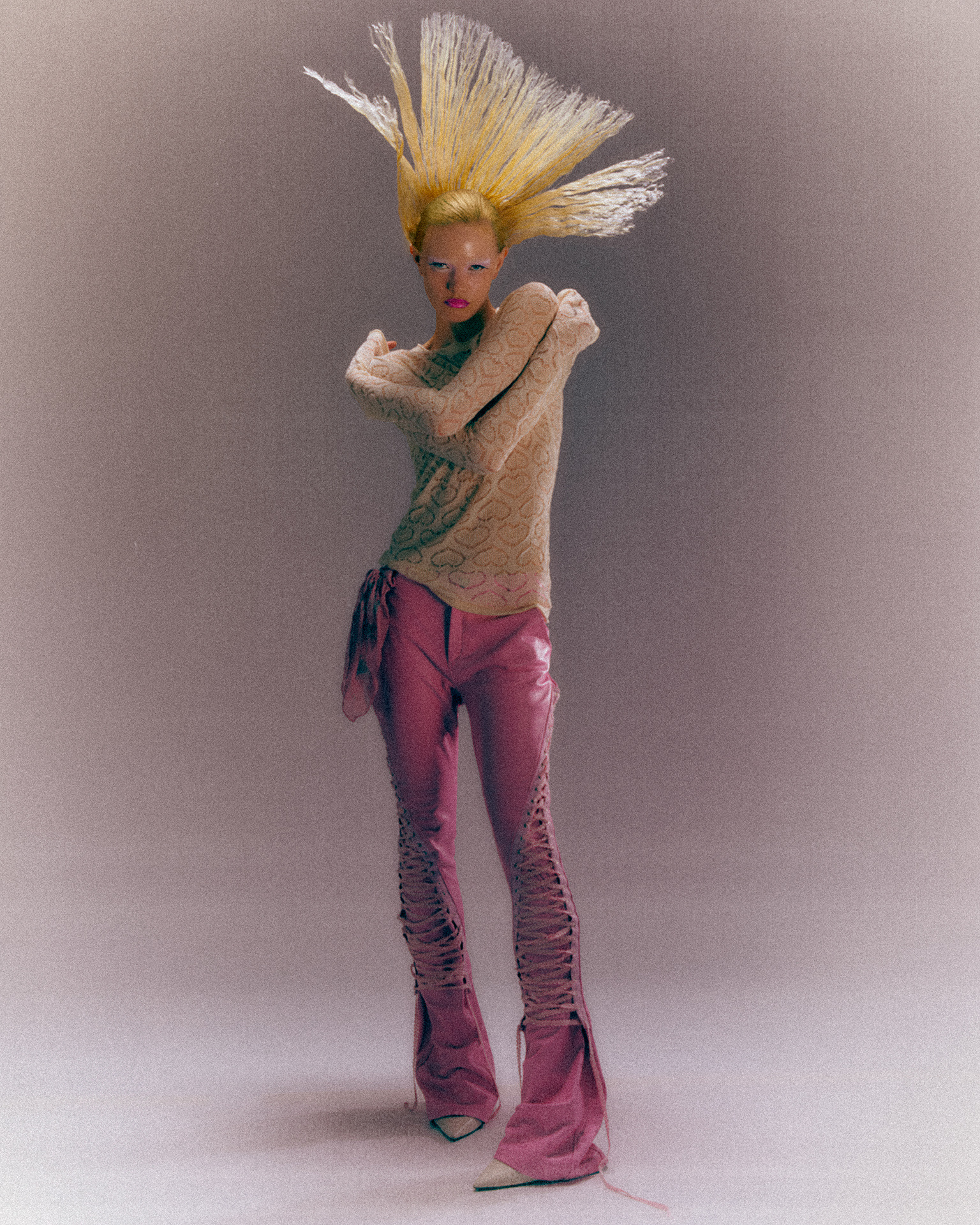
Full-length portrait of a model with stiff blonde hair standing up, in a lace knit and pink trousers, in warm, matte colour
The look
What a style does
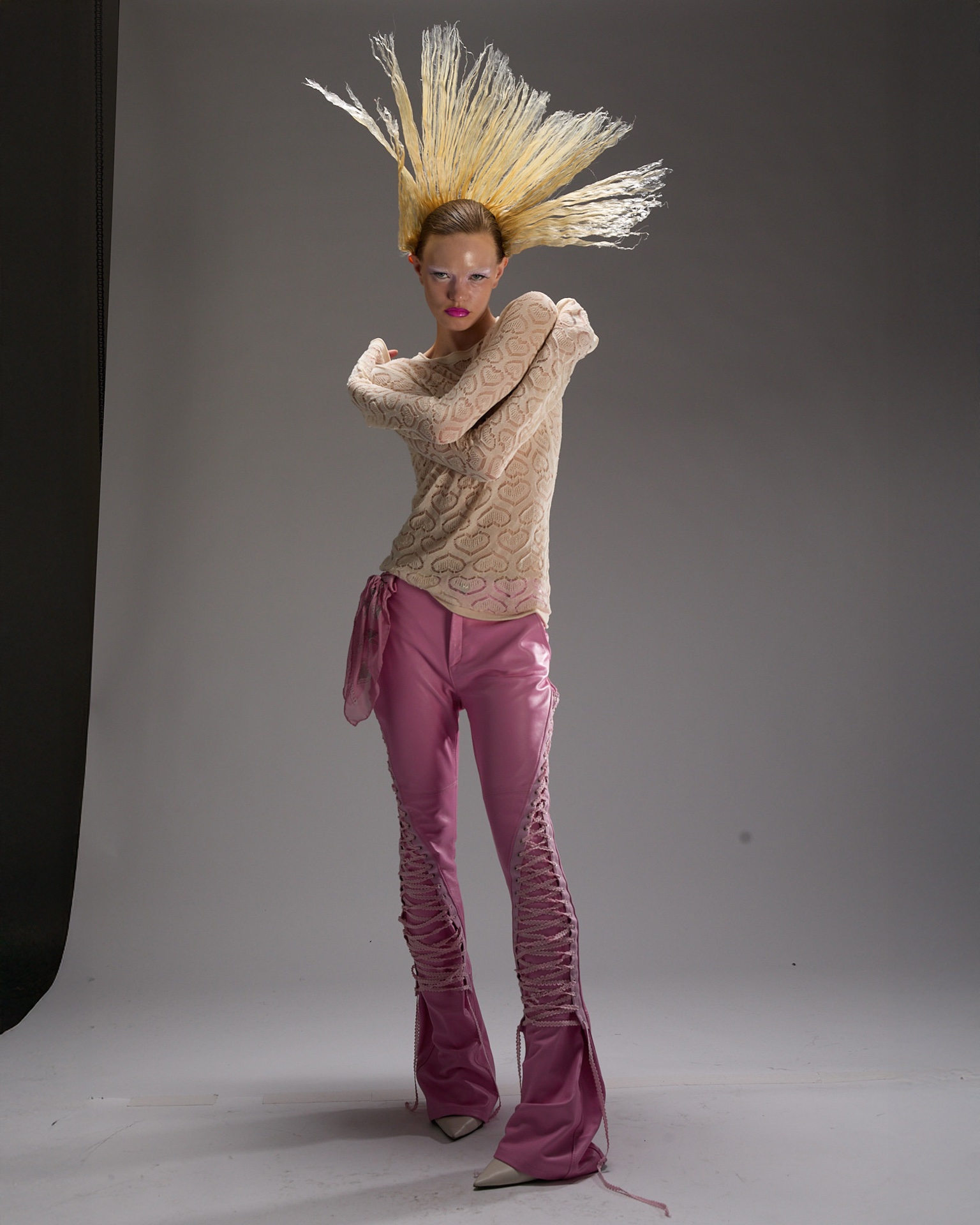
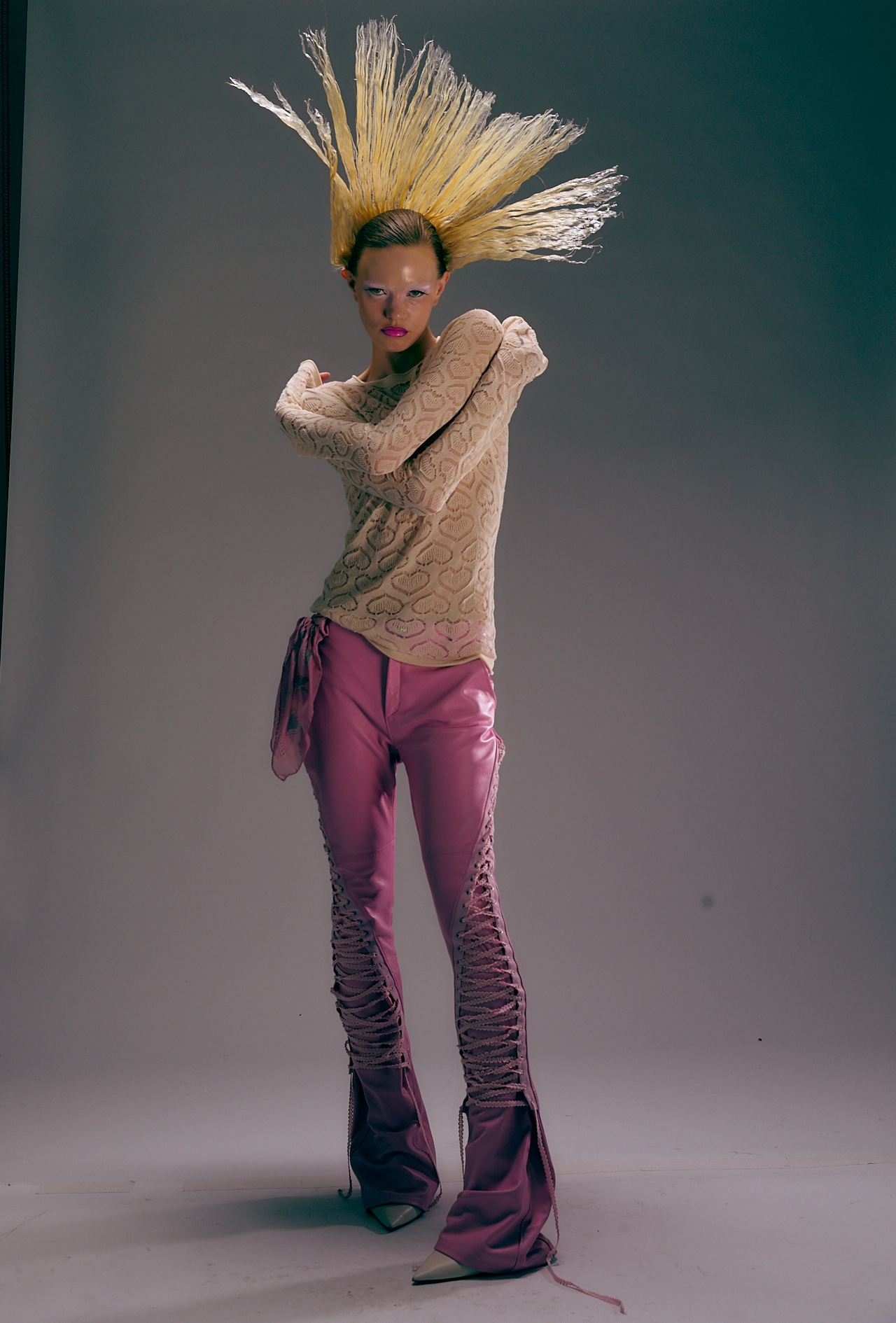
The same full-length portrait straight from the camera, grey backdrop and neutral colour
Straight from the camera
Grey, neutral, nothing decided yet

One look for a whole story

On a shoot day we grade the first frame, then save it as a style. Every image after that starts from the same look.

A Capture One style is a saved set of adjustments: white balance, exposure, curve, colour balance, colour editor, clarity, grain. Applied to a new file, it moves all of those at once, which is why a good style feels like a complete look. It also means a style never fits every image the same way. Light, skin and wardrobe change from frame to frame, so expect to adjust after you apply it.

  • ColourWarm, slightly red midtones, cooler shadows
  • ContrastSoft, with lifted, matte blacks
  • TextureClarity and structure pulled down, film grain added
  • SaturationUp, so the pink and the skin carry the image
  • Exact values· inside the Lab
The workflow
Grade it in steps

Use a style in four steps

How we apply a Capture One style to a fresh file from the shoot.

Full-length portrait straight from the camera, grey backdrop, neutral colourThe same portrait with the style applied, warm and matte with soft contrastThe same portrait with the style layer at about half strength, the colour between neutral grey and warmThe same portrait with the skin masked out of the style layer, the face back to a natural tone
Step 1 · Clean file
Compare
Before and after

Straight from the camera, and published

The same full-length portrait straight from the camera, grey backdrop and neutral colour
Numéro · BeforeStraight from the camera
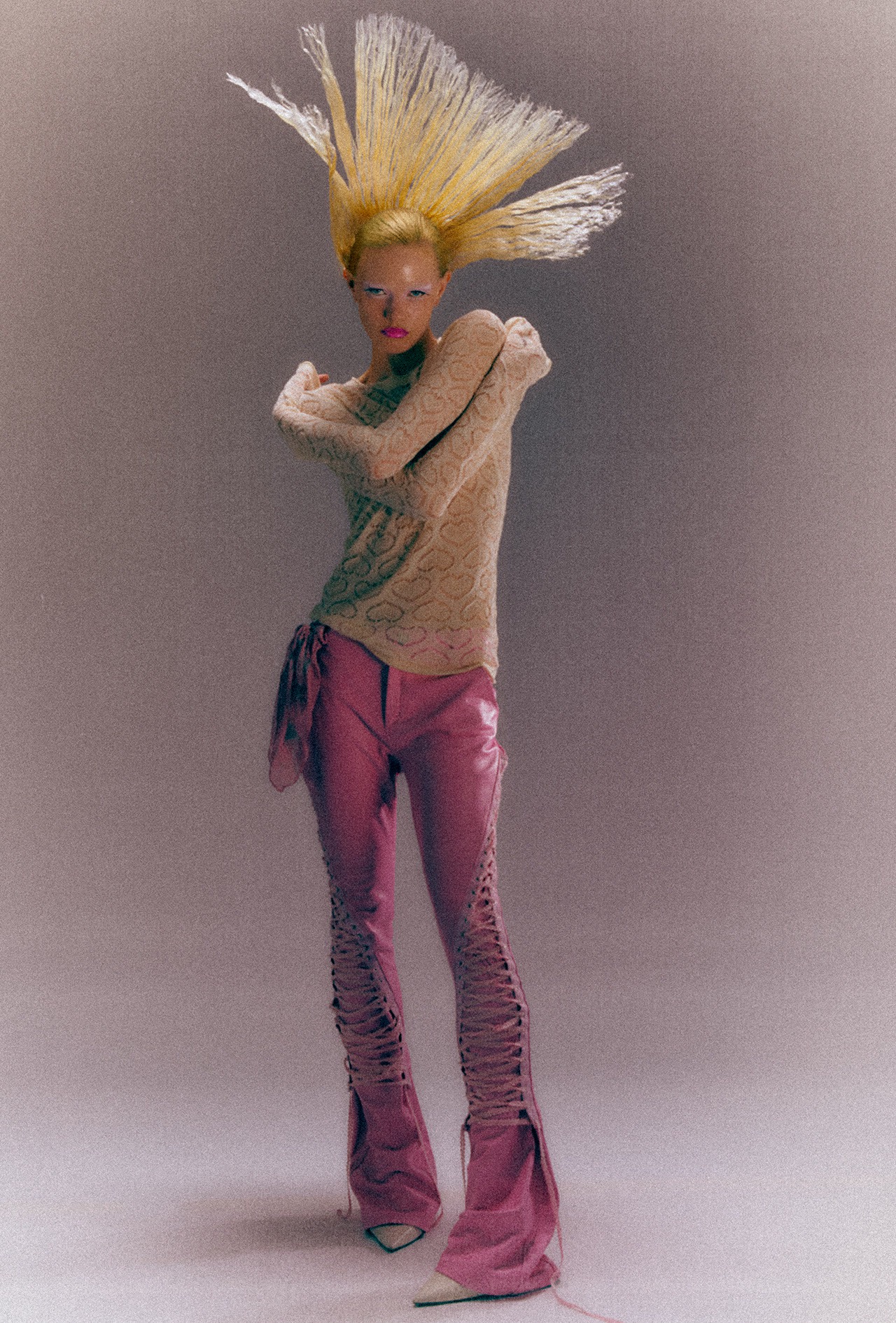
Full-length portrait of a model with stiff blonde hair standing up, in a lace knit and pink trousers, in warm, matte colour
NuméroGrey to warm, matte and grainy
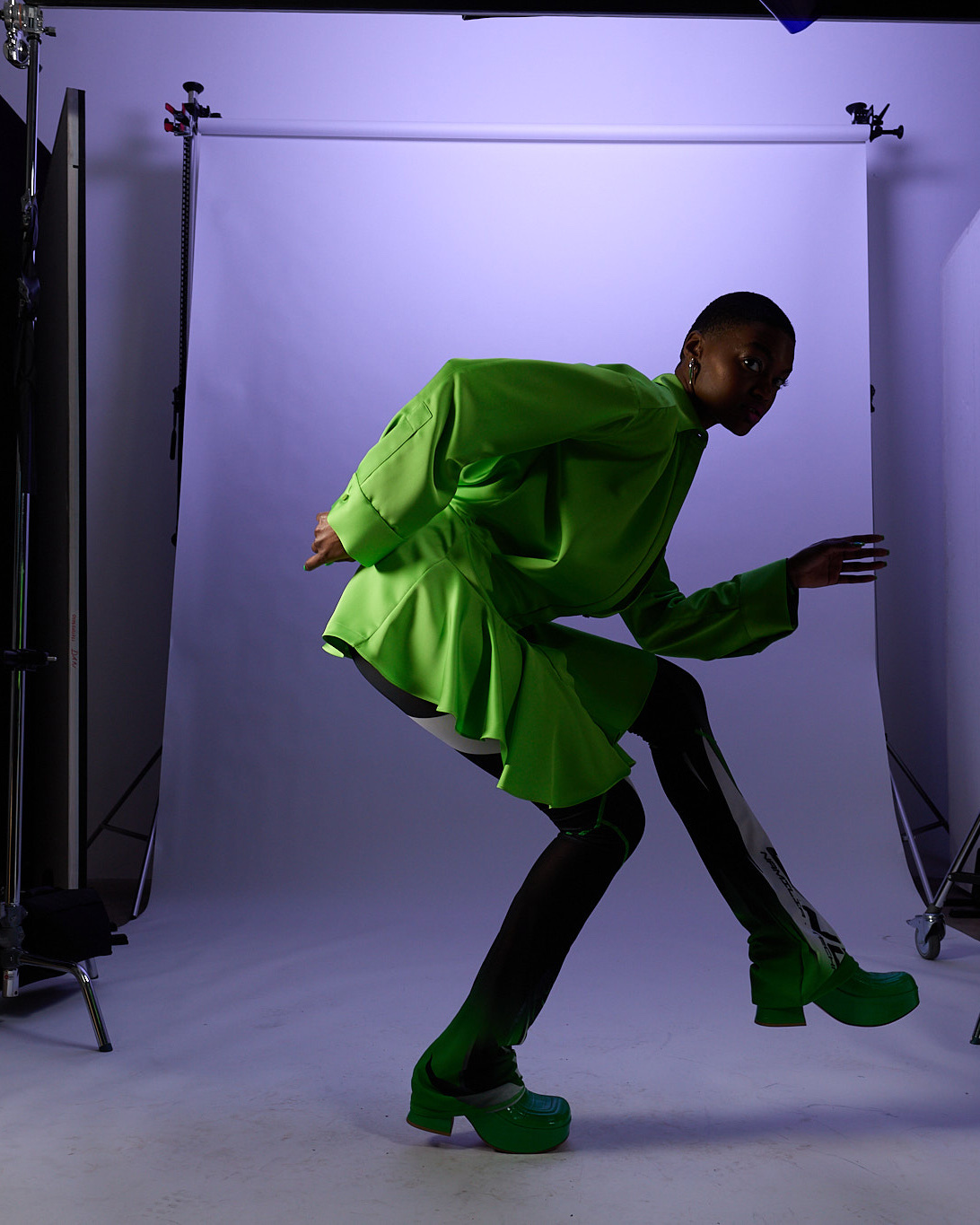
A model in a green jacket bending forward in front of a lilac backdrop, studio stands visible at the edges
Elle · BeforeStraight from the camera
The same pose against a pale blue backdrop, the green jacket darker and the colours cold and muted
ElleLilac studio to cold, quiet blue
Close-up of an eye with pink and orange liner, the skin cool and pinkish
L'Officiel · BeforeStraight from the camera
The same close-up with warmer, brighter, more even skin
L'OfficielCool and pink to warm, bright skin
Compare
Three styles

Three styles side by side

For each story we decide what the colour should do to the mood, the clothes and the skin.

Full-length portrait of a model with stiff blonde hair standing up, in a lace knit and pink trousers, in warm, matte colour

Numéro

Graded in steps above

Warm midtones, cooler shadows, very soft contrast and grain. The grey studio turns into a warm, printed-looking frame.

Feels
Warm, matte, analogue
Moves
Colour balance, clarity and structure, grain
Best for
Full looks, pastel and pink, hair and texture
The same pose against a pale blue backdrop, the green jacket darker and the colours cold and muted

Elle

Blue pushed into the shadows and midtones, overall saturation pulled far down. The green jacket stays the only strong colour in a cold frame. The light behind it is in our fashion editorial breakdown.

Feels
Cold, quiet, graphic
Moves
Colour balance, saturation, colour editor
Best for
One strong garment colour, dark skin tones, moody stories
The same close-up with warmer, brighter, more even skin

L'Officiel (beauty)

Warmer white balance, a warm overall balance and a brighter exposure with a touch less contrast. Skin goes from cool and pink to warm and even.

Feels
Warm, clean, close
Moves
White balance, exposure, colour balance
Best for
Beauty close-ups, skin, make-up

All three styles use the same few controls and push them in different directions. A style is only as good as the light under it, so start with the lighting: our beauty dish breakdown and fashion editorial breakdown show the setups behind the frames. You can try one for free. The Teal Grunge look from our Numéro editorial comes free with the Numéro lighting setup.

From the grade
Four things that matter
  1. 01

    Check the white balance after you apply

    Many styles carry a white balance. If your file was shot under different light, set it again after applying.

  2. 02

    Never use a style at full strength by default

    Put it on a layer and pull the opacity down until it fits the image.

  3. 03

    Keep the skin out of it

    Mask the skin from the style layer, then grade the skin on its own.

  4. 04

    One style per story

    Grade the strongest frame, save it as a style and apply it to the whole series. That is what makes an editorial feel like one story.

Inside the Lab
The styles

The rest is inside the Lab

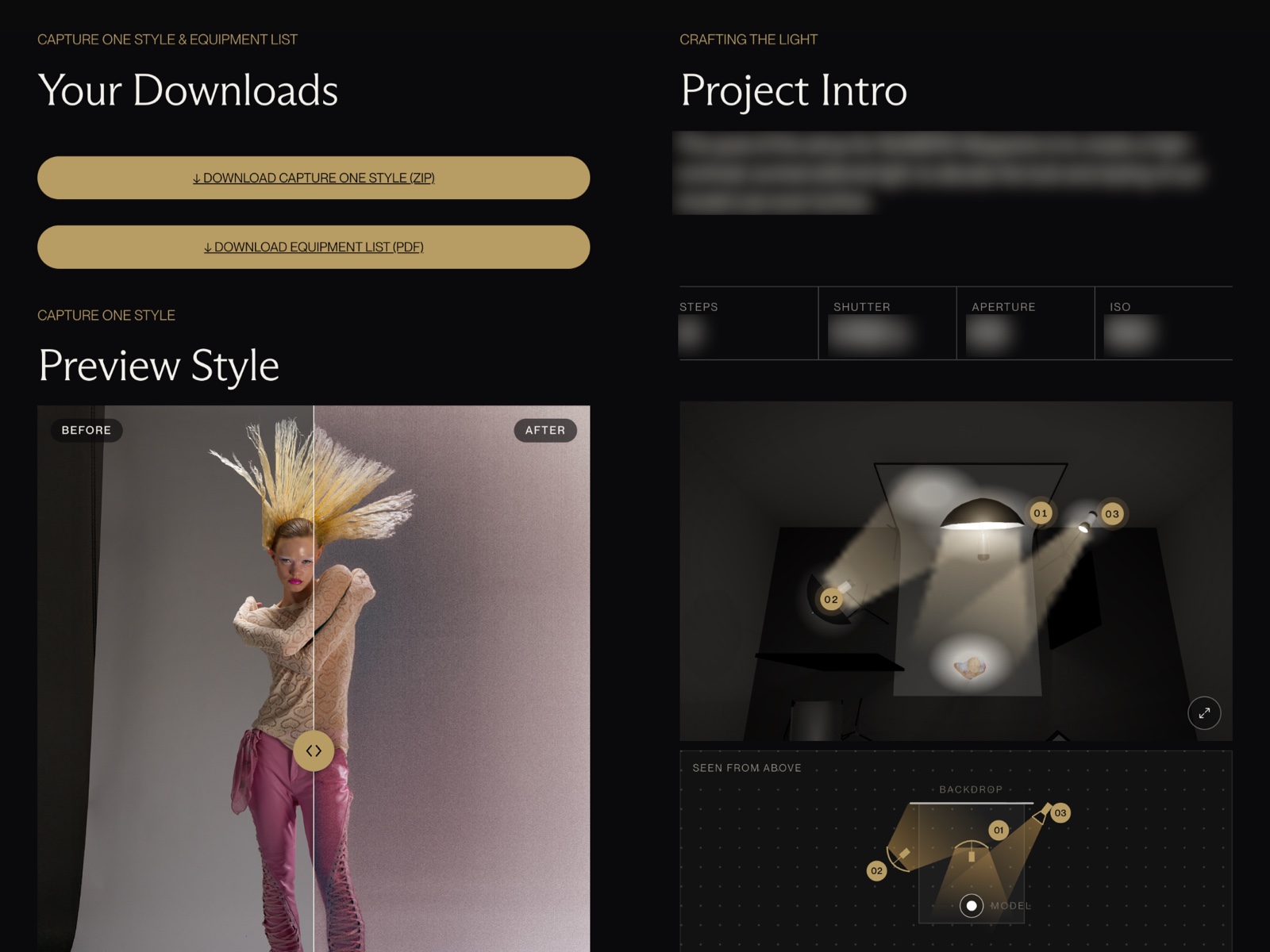
Members get the Capture One style for every lighting setup in the Lab: the exact grade we used on the published image.

  • 60+ Capture One styles, one for every lighting setupLab
  • The exact values behind every style on this pageLab
  • The lighting setup behind each image, rebuilt in 3DLab
  • Colour grading sessions in Capture OneLab
  • How to install and apply stylesLab
  • Live sessions with Per and JanLab
Preview of the Numéro setup page inside the Lab, with the Capture One style download, partly blurred
Setup 13 · Numéro
See the plans
Questions
Capture One styles
What is a Capture One style?

A saved set of adjustments, such as white balance, exposure, curve, colour balance and grain. Applied to a new image, it moves all of them at once, so you get a consistent look across a series.

Are Capture One styles the same as Lightroom presets?

They do the same job. The difference is in how you use them: in Capture One you can apply a style to its own layer, change its strength with the layer opacity and mask it, for example away from the skin.

How do I apply a style without ruining skin tones?

Apply it on a new layer, lower the opacity, and mask the skin out of that layer. Then correct the skin separately. We show that step by step in our skin tone breakdown.

Do styles work on any camera or lighting?

They work on any RAW file Capture One can open, but the result depends on the light and the camera. A style built on a soft studio frame looks different on hard sunlight. Expect to adjust white balance, exposure and strength for every new setup.

The Curated Lab

Step inside

60+ lighting setups and 60+ Capture One styles from editorials and campaigns

Shot for NuméroPhoto Per AppelgrenGraded in Capture One