
Retouching

Dodge and Burn in Beauty Retouching

How Jan Wischermann evens out skin with dodge and burn and keeps its texture.

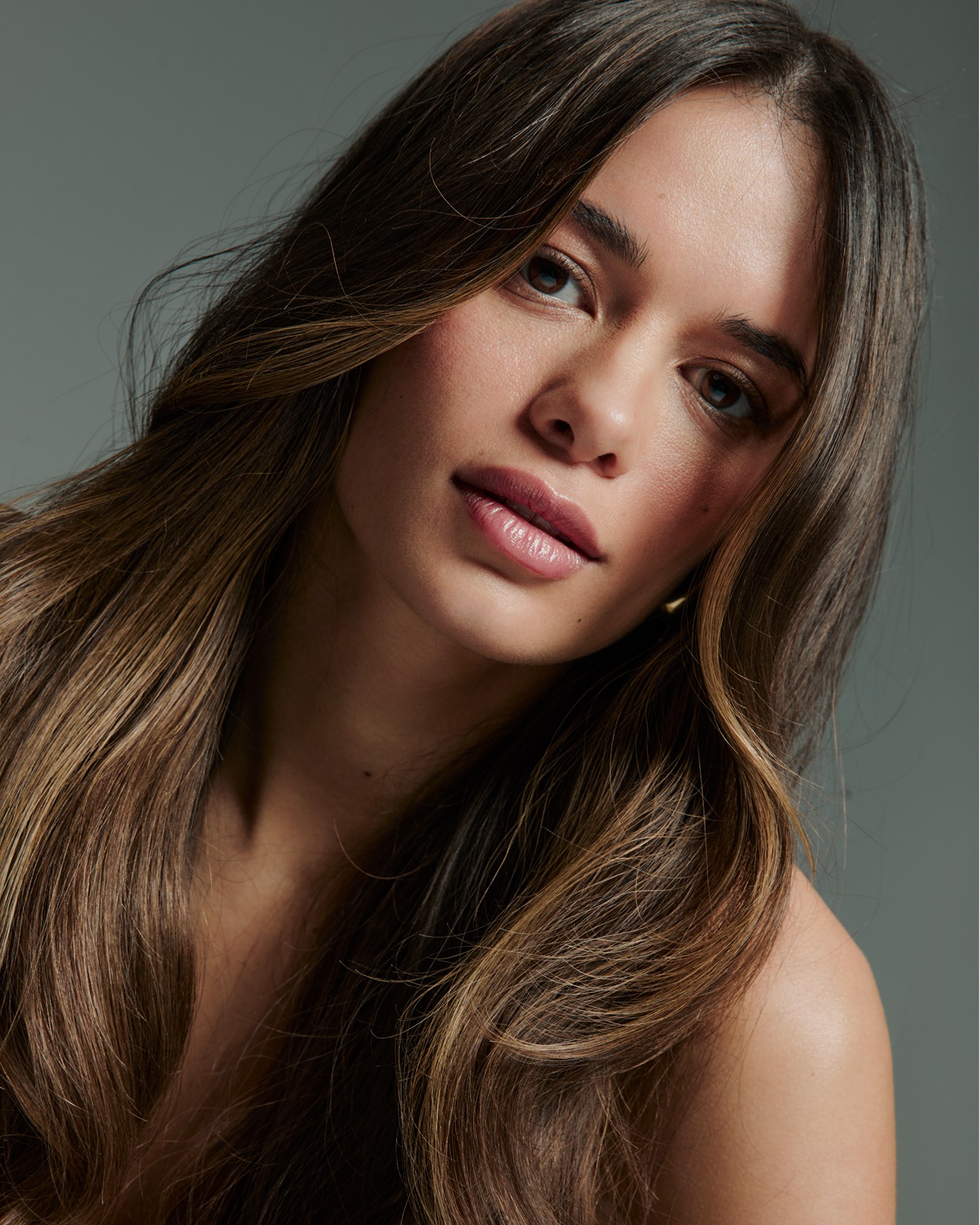
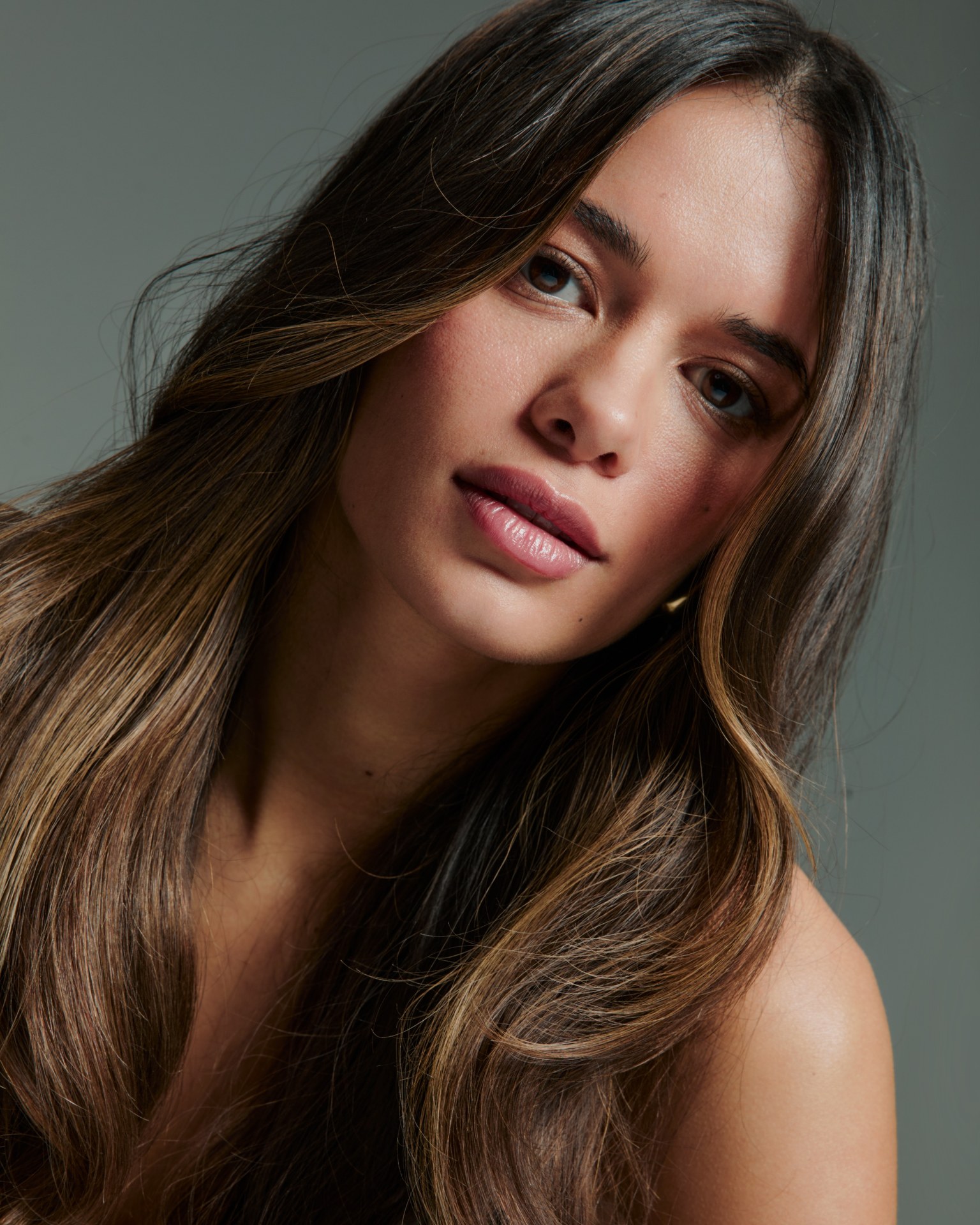
Beauty portrait of a young woman with long, wavy brown hair with lighter ends, her head tilted, bare shoulders, in front of a grey-green background
The skin
Why dodge and burn

Retouch the light on the skin

In a close-up, most of what looks uneven is small patches of light and shadow. Fix those, and the skin looks clean while every pore stays where it was.

Dodging means lightening, burning means darkening. In high-end beauty retouching you use both on a very small scale: you lighten the small dark patches and darken the small bright ones, until the transitions across the face run smoothly. Nothing is blurred, nothing is copied over. That is why dodge and burn is the standard for high-end skin retouching in beauty and campaign work. It takes longer than a filter, but the result still looks like a person. Jan works the same way on campaigns for clients like Armani Beauty, and on this image, which Per shot for the hair care brand Urban Alchemy. It is the one Jan uses to teach skin retouching inside the Lab.

  • Clean-upHealing and cloning on separate layers, texture kept
  • Dodge & burnCurves for lighter and darker, in a soft and a strong version, painted on masks
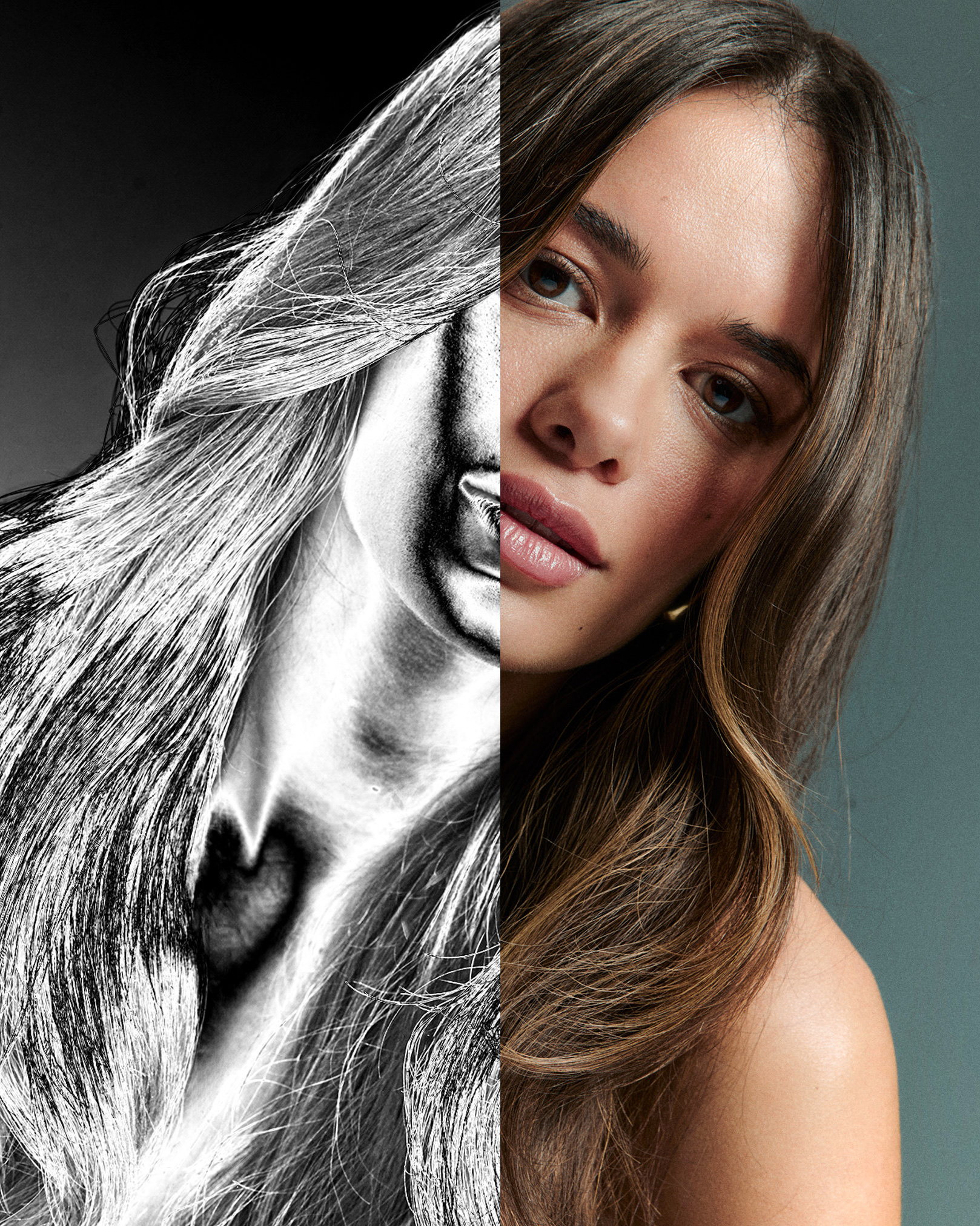
  • Help layersBlack and white views to see light and shadow only
  • ColourHair, skin and eyes adjusted last, on their own layers
  • Exact layersEvery layer · inside the Lab
Close-up of the eyes and nose before retouching, with freckles, small blemishes and uneven light on the skin
Detail beforeUnretouched
The same close-up after clean-up and dodge and burn, the skin clearer and more even, pores and lashes unchanged
Same pores, calmer skinDetail before and after
The workflow
Retouch it in steps

Retouch a beauty image in four steps

The order Jan follows on every high-end beauty retouch: clean-up, then light, then colour.

The portrait after clean-up only: blemishes and small spots removed, light and shadow on the skin still unevenThe same portrait split in two: the left half as a high-contrast black and white help layer view, the right half as the finished colour imageMap of where dodge and burn was painted on the face: lightened areas in warm white, darkened areas in blue, over a darkened version of the portrait. Brightened for visibilityThe finished portrait with even skin, refined hair colour and clear eyes, as published
Step 1 · Clean-up
Compare
Before and after

Four stages of one retouch

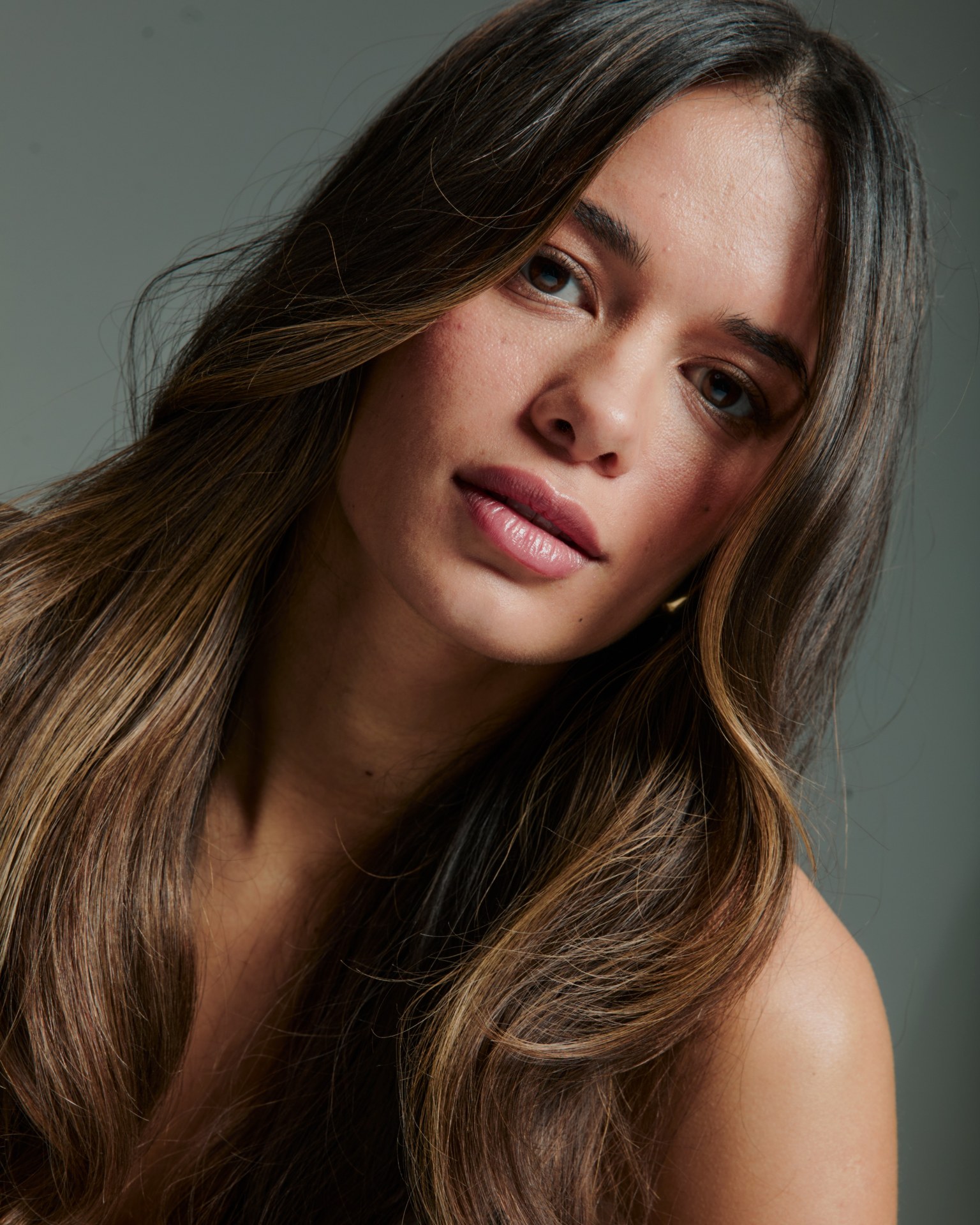
The beauty portrait before any retouching, with freckles, small blemishes and uneven patches on the skin
UnretouchedBefore any retouching
The portrait after clean-up only, blemishes removed, light on the skin still uneven
Clean-upBlemishes gone, light unchanged
The portrait after clean-up and dodge and burn, skin more even, texture intact
Dodge & burnLight evened out, no colour work yet
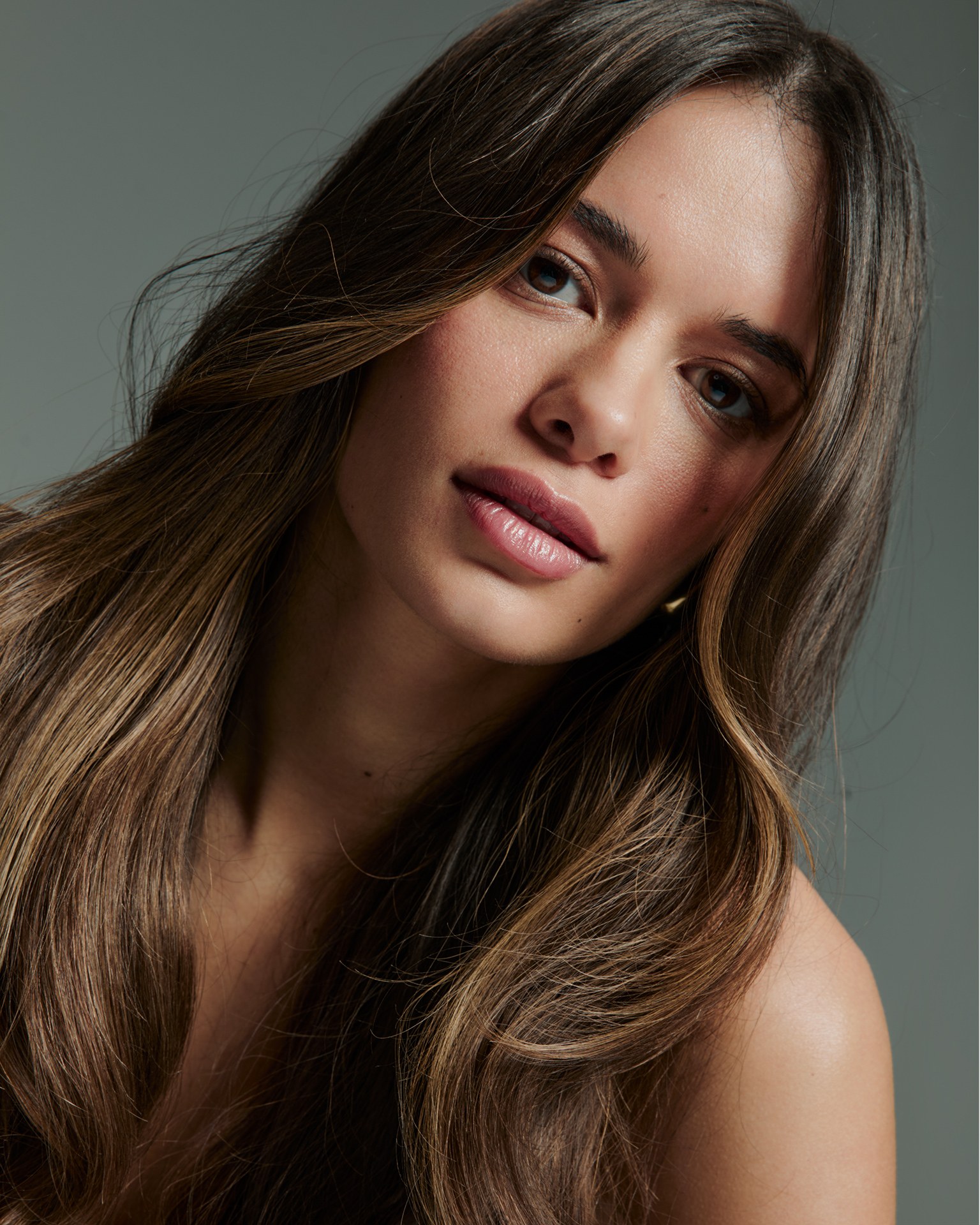
The finished portrait with even skin, refined hair colour and clear eyes
FinishedHair, skin and eyes in colour

Look under the eyes and along the cheek. The pores are the same in all four images. Only the spots and the light have changed.

Methods
Which tool when

Dodge and burn vs frequency separation

Three ways to work on skin, and what each one does to its texture.

Close-up of the eyes and nose after dodge and burn, the skin calmer and more even, pores and lashes still visible

Dodge & burn

Used here

Changes only light and shadow. Texture is never moved, copied or blurred, so the skin stays believable even in a billboard crop.

Texture
Untouched
Speed
Slow, many small passes
Best for
Evening out skin, shaping a face, high-end beauty and campaigns
Detail of the dodge and burn masks around the eyes and nose, brightened for visibility

Frequency separation

Splits the image into a colour-and-tone layer and a texture layer, so you can work on one without the other. It is fast and powerful, and that makes it easy to smooth skin into plastic.

Texture
Kept, if used with care; easily destroyed
Speed
Fast
Best for
Taming shiny highlights, larger tonal patches, pulling grain from a scan
Close-up of the eyes and nose before retouching, with freckles and small blemishes

Healing & clone

Replaces pixels with pixels from somewhere else. Use it for anything that should disappear. For evening out light it is the wrong tool, because it moves texture around.

Texture
Replaced locally
Speed
Fast for small spots
Best for
Blemishes, stray hairs, dust, damaged texture

Frequency separation looks like the shortcut to high-end retouching, and sometimes it is the right tool: Jan uses it for shiny highlights or for larger patches of tone. For evening out skin he works by hand: healing and cloning for what should go, dodge and burn for the light. It takes longer and keeps the texture believable. The light you shoot with decides how much work the skin needs, so start there: our beauty lighting breakdown shows the setups behind our beauty images.

From the retouch
Four things that matter
  1. 01

    Burn first

    Most uneven skin needs more darkening than lightening. Dodge too much and the face goes flat and bright.

  2. 02

    Turn off the help layers often

    They exaggerate on purpose. Use them to find the problems, then judge the result in colour.

  3. 03

    Do it fully, then pull it back

    Even everything out, then lower the layers until the skin looks natural again. That looks more natural than stopping halfway.

  4. 04

    Check the colour after the light

    Curves move saturation too. If dodged areas look grey or burned areas look too rich, correct the colour before you move on.

Inside the Lab
The retouch

The rest is inside the Lab

Members get Jan's full retouching courses, on beauty and campaign images, and every tool he uses in the Toolkit.

  • Jan's retouching courses, from basic skin to a full beauty retouchLab
  • The exact dodge and burn layers and brush settings he usesLab
  • Jan's Help Layers, the Dodge & Burn Kit and Layer Scripts in the ToolkitLab
  • Skin tone and anti-banding actionsLab
  • Full commercial and fashion retouch sessionsLab
  • Live sessions with Per and JanLab
Preview of Jan's basic skin retouching lesson inside the Lab, partly blurred
Retouching · Basic skin
See the plans
Questions
High-end skin retouching
What is dodge and burn in skin retouching?

Dodging lightens, burning darkens. In skin retouching you use both on small areas to even out patches of light and shadow, so the skin looks smooth while its texture stays untouched.

Is dodge and burn better than frequency separation?

For evening out skin in high-end beauty work, most retouchers prefer dodge and burn, because it never moves or blurs texture. Frequency separation is faster and useful for specific jobs, such as shiny highlights or larger tonal patches, but it easily makes skin look plastic.

How long does high-end beauty retouching take?

It depends on the image and where it will be used. A billboard needs far more detail than an Instagram post. Dodge and burn is the slow part, because it is built up in many small passes.

Can I dodge and burn in Capture One?

Partly. Capture One has dodge and burn brushes on its layers, and they work well for broad contouring before you go into Photoshop. The fine work on skin is still done in Photoshop, where you have curves, masks and help layers.

The Curated Lab

Step inside

Jan's full retouching courses, the Toolkit and 60+ lighting setups from editorials and campaigns

Photo Per AppelgrenRetouching Jan WischermannClient Urban Alchemy